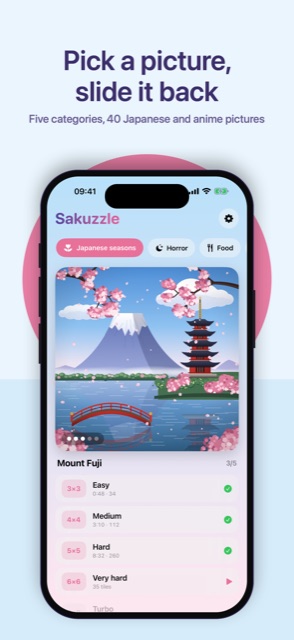
Pick a picture, slide it back
Five categories, 40 Japanese and anime pictures
 iOS and Android app
Relaxing sliding tile puzzle
Slide the tiles to rebuild Japanese-style pictures, from a relaxed 3×3 to a turbo 8×8, and beat your best time and moves.
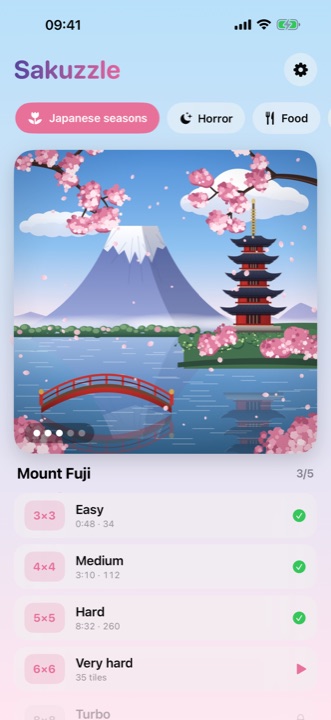
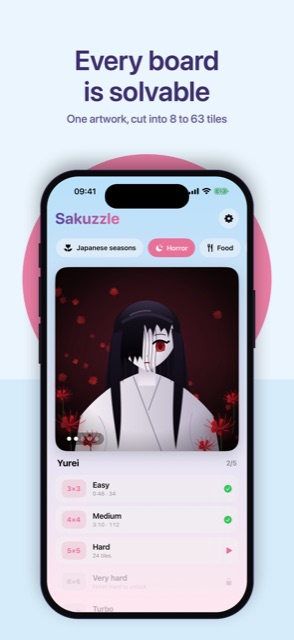
Five categories, 40 Japanese and anime pictures
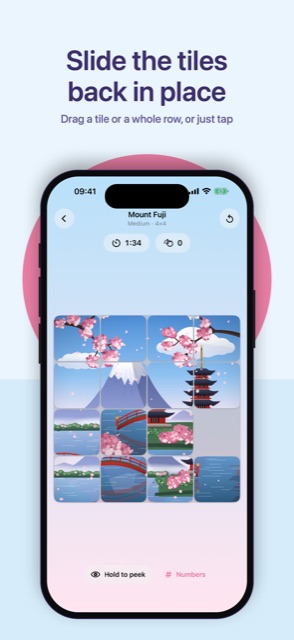
Drag a tile or a whole row, or just tap
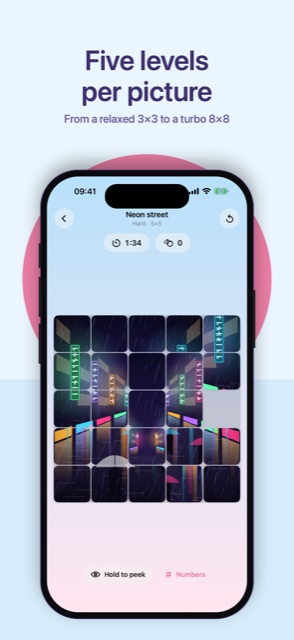
From a relaxed 3×3 to a turbo 8×8
One artwork, cut into 8 to 63 tiles
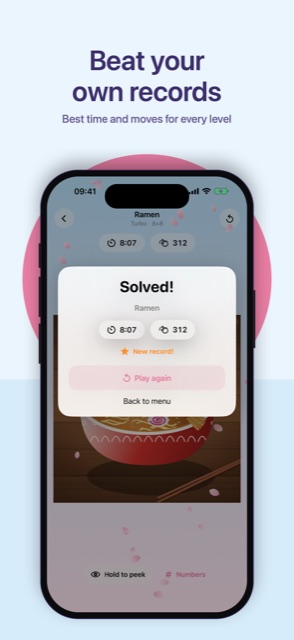
Best time and moves for every level
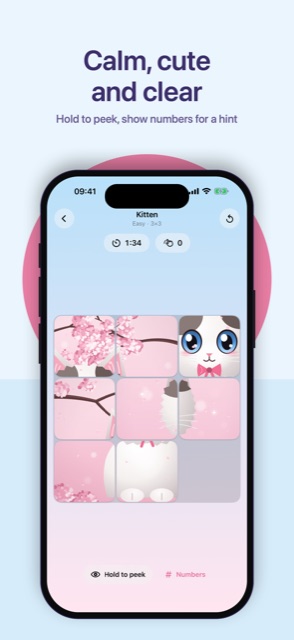
Hold to peek, show numbers for a hint
Open Settings → Remove ads in the App. It is a one-time purchase, ads are gone for good.
Go to Settings → Restore purchases in the App, signed in with the same Apple Account (on Android: Google Account) you used for the purchase.
In the App: Settings → Privacy choices. Tracking can also be managed in iOS: Settings → Privacy & Security → Tracking, and the advertising ID on Android: Settings → Privacy → Ads.
Only on your device: not on our servers. It moves to a new phone when you restore from an iCloud, Google or computer backup.
Refunds are handled by Apple: reportaproblem.apple.com. On Android: Google Play, Google Play refunds.
Write to us: we usually reply within a few days. Feature ideas are welcome too.