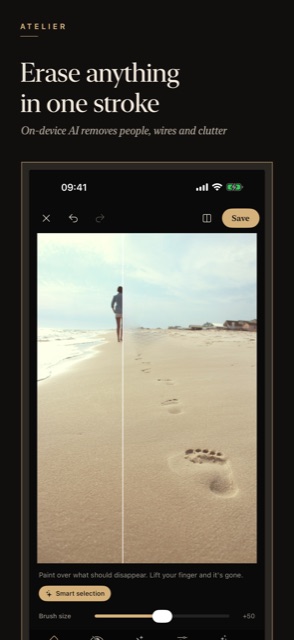
Erase anything in one stroke
On-device AI removes people, wires and clutter
 iOS and Android app
AI eraser, skin and face edits
Erase people and clutter, heal blemishes and polish portraits. Every edit happens on your iPhone, so your photos stay private.
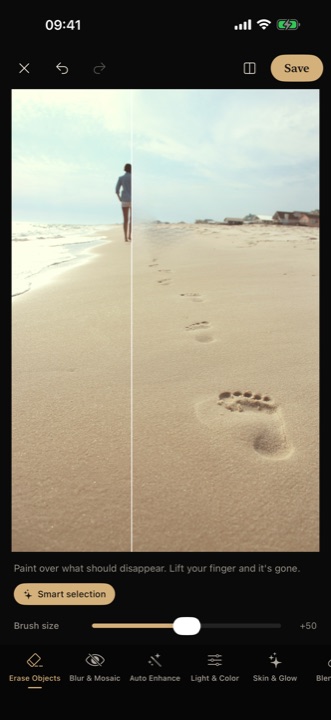
On-device AI removes people, wires and clutter
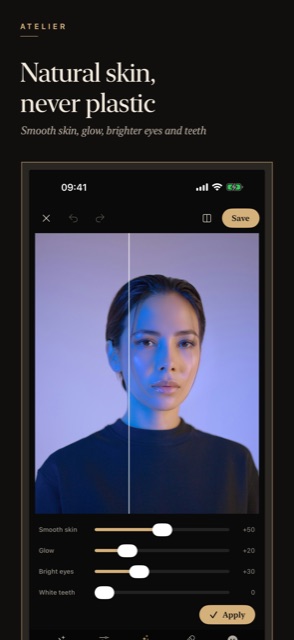
Smooth skin, glow, brighter eyes and teeth
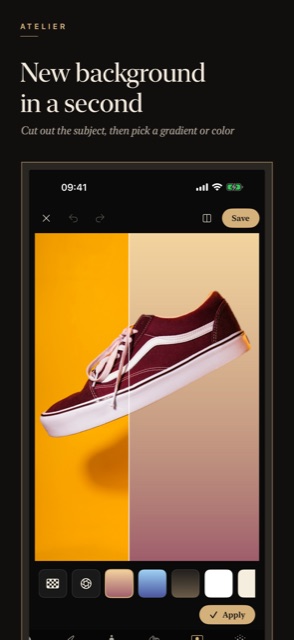
Cut out the subject, then pick a gradient or color
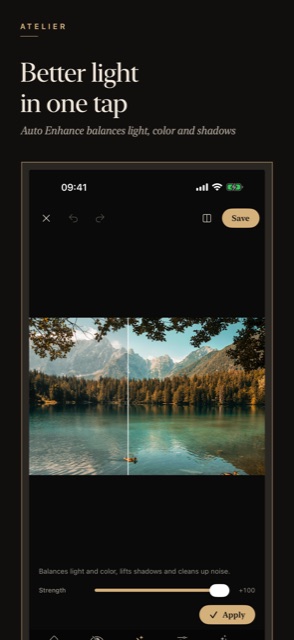
Auto Enhance balances light, color and shadows
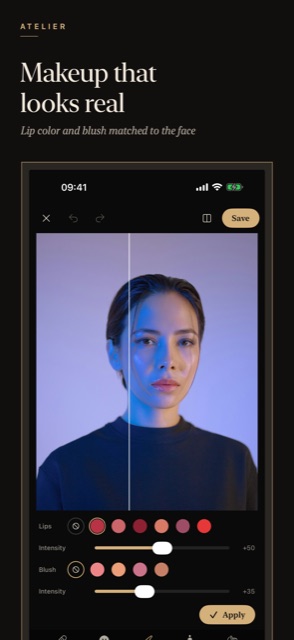
Lip color and blush matched to the face
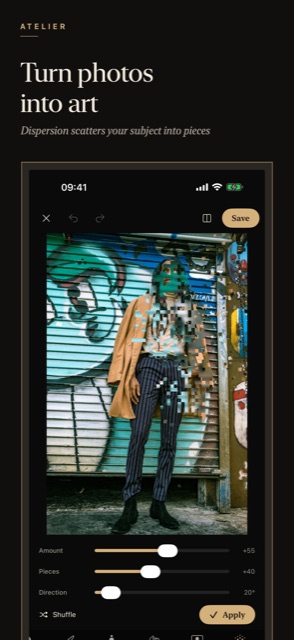
Dispersion scatters your subject into pieces
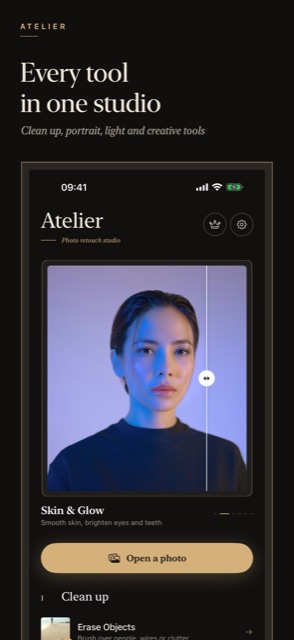
Clean up, portrait, light and creative tools
Open Settings → Remove ads in the App. It is a one-time purchase, ads are gone for good.
Go to Settings → Restore purchases in the App, signed in with the same Apple Account (on Android: Google Account) you used for the purchase.
In the App: Settings → Privacy choices. Tracking can also be managed in iOS: Settings → Privacy & Security → Tracking, and the advertising ID on Android: Settings → Privacy → Ads.
Only on your device: not on our servers. It moves to a new phone when you restore from an iCloud, Google or computer backup.
Refunds are handled by Apple: reportaproblem.apple.com. On Android: Google Play, Google Play refunds.
Write to us: we usually reply within a few days. Feature ideas are welcome too.