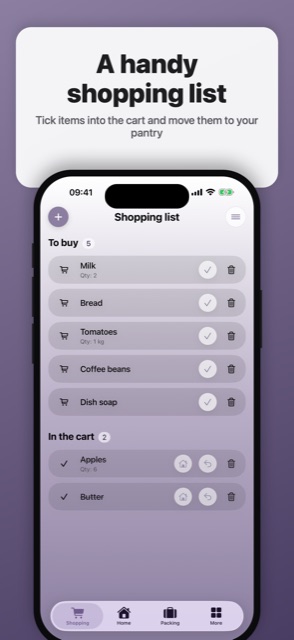
A handy shopping list
Tick items into the cart and move them to your pantry
 iOS and Android app
Shopping, pantry, packing
Everything that makes daily life easier, in one app! Track your home supplies, make shopping and packing lists, and set reminders to drink water and take medicine.
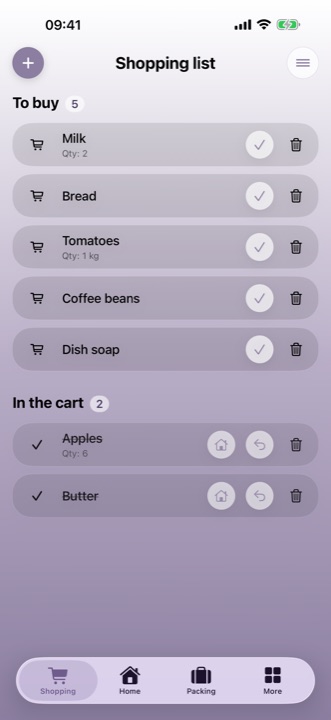
Tick items into the cart and move them to your pantry
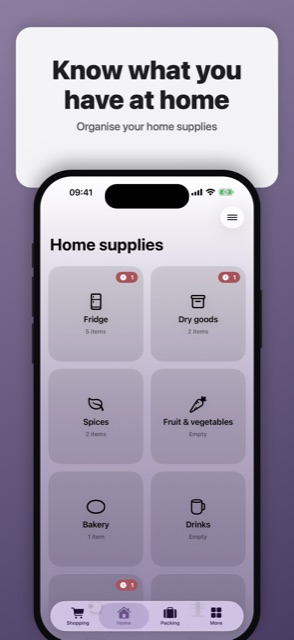
Organise your home supplies
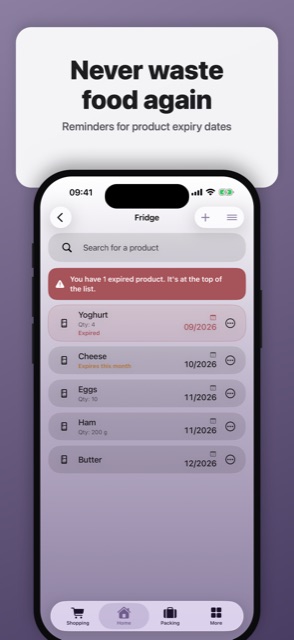
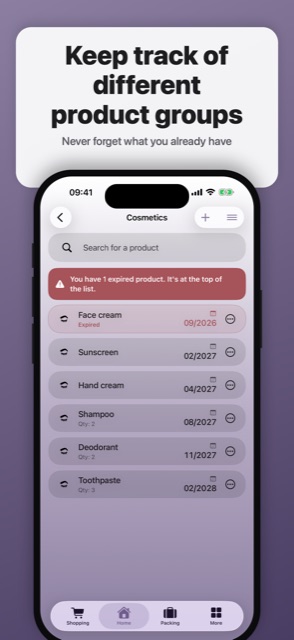
Reminders for product expiry dates
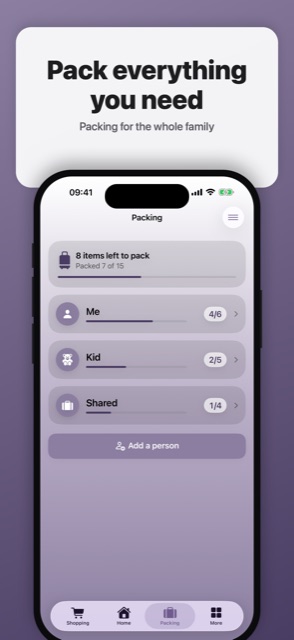
Packing for the whole family
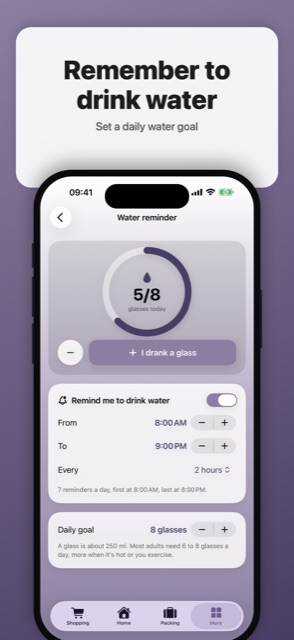
Set a daily water goal
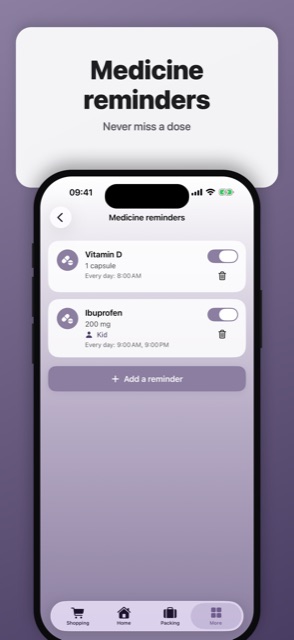
Never miss a dose
Never forget what you already have
Open Settings → Remove ads in the App. It is a one-time purchase, ads are gone for good.
Go to Settings → Restore purchases in the App, signed in with the same Apple Account (on Android: Google Account) you used for the purchase.
In the App: Settings → Privacy choices. Tracking can also be managed in iOS: Settings → Privacy & Security → Tracking, and the advertising ID on Android: Settings → Privacy → Ads.
Only on your device: not on our servers. It moves to a new phone when you restore from an iCloud, Google or computer backup.
Refunds are handled by Apple: reportaproblem.apple.com. On Android: Google Play, Google Play refunds.
Write to us: we usually reply within a few days. Feature ideas are welcome too.